
Product category
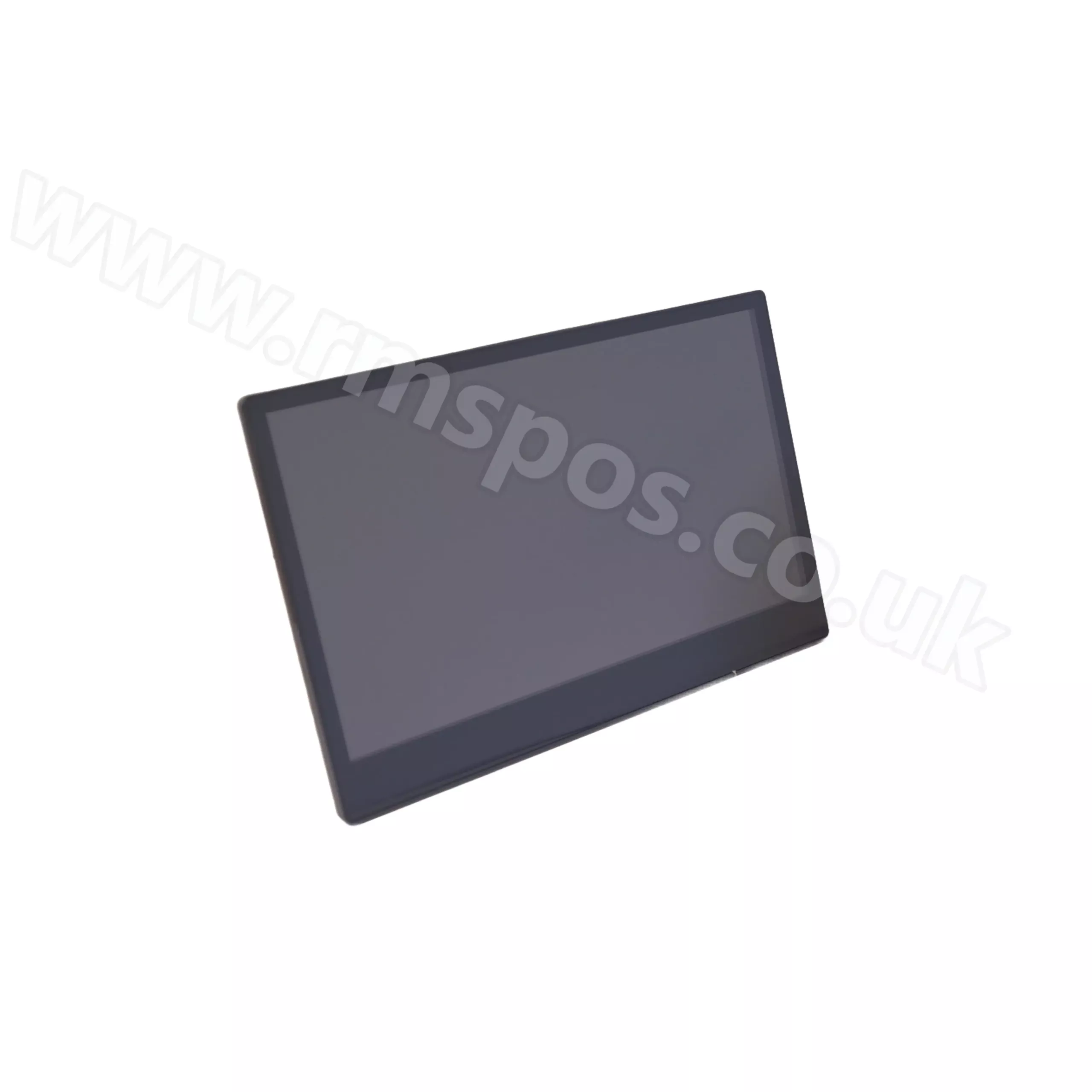
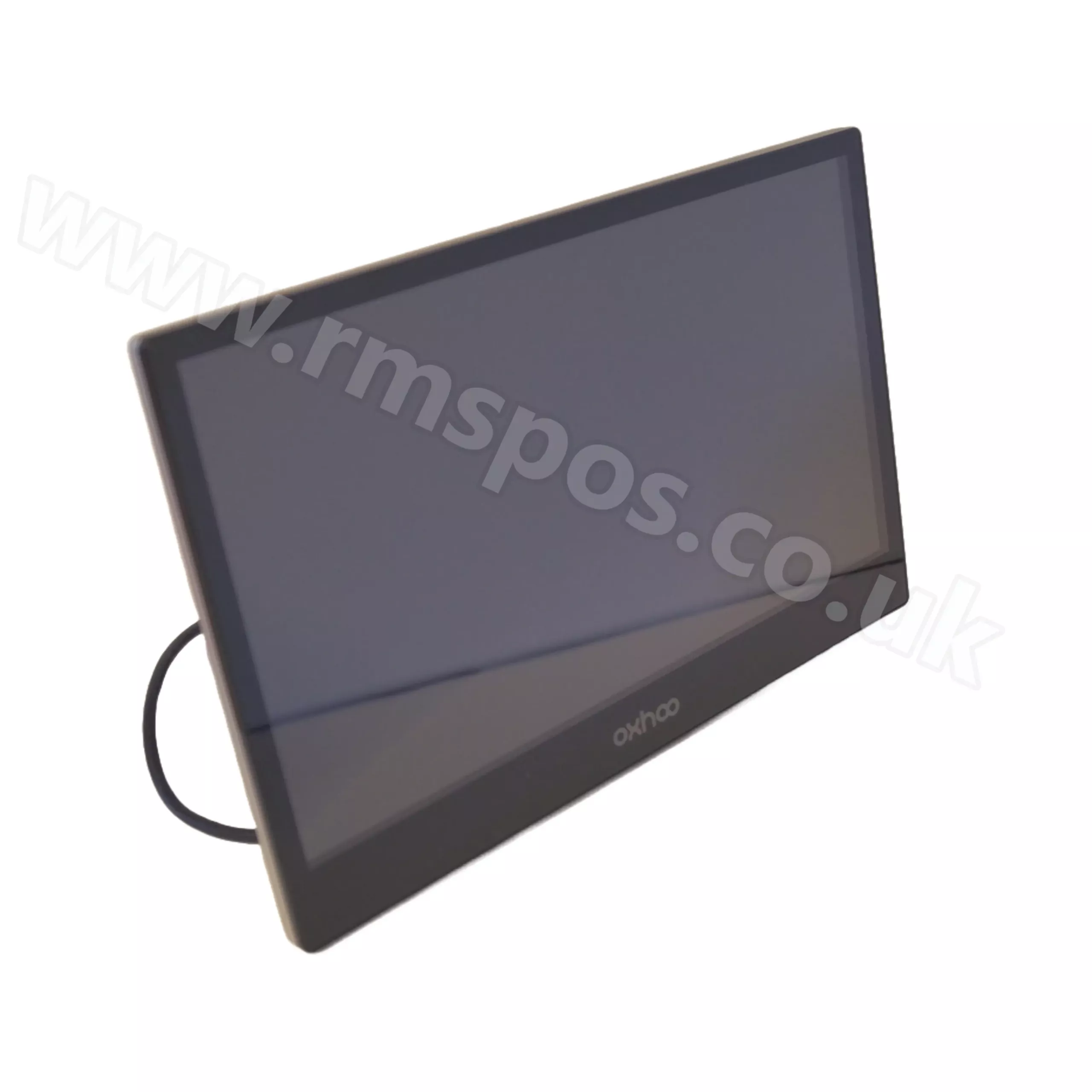
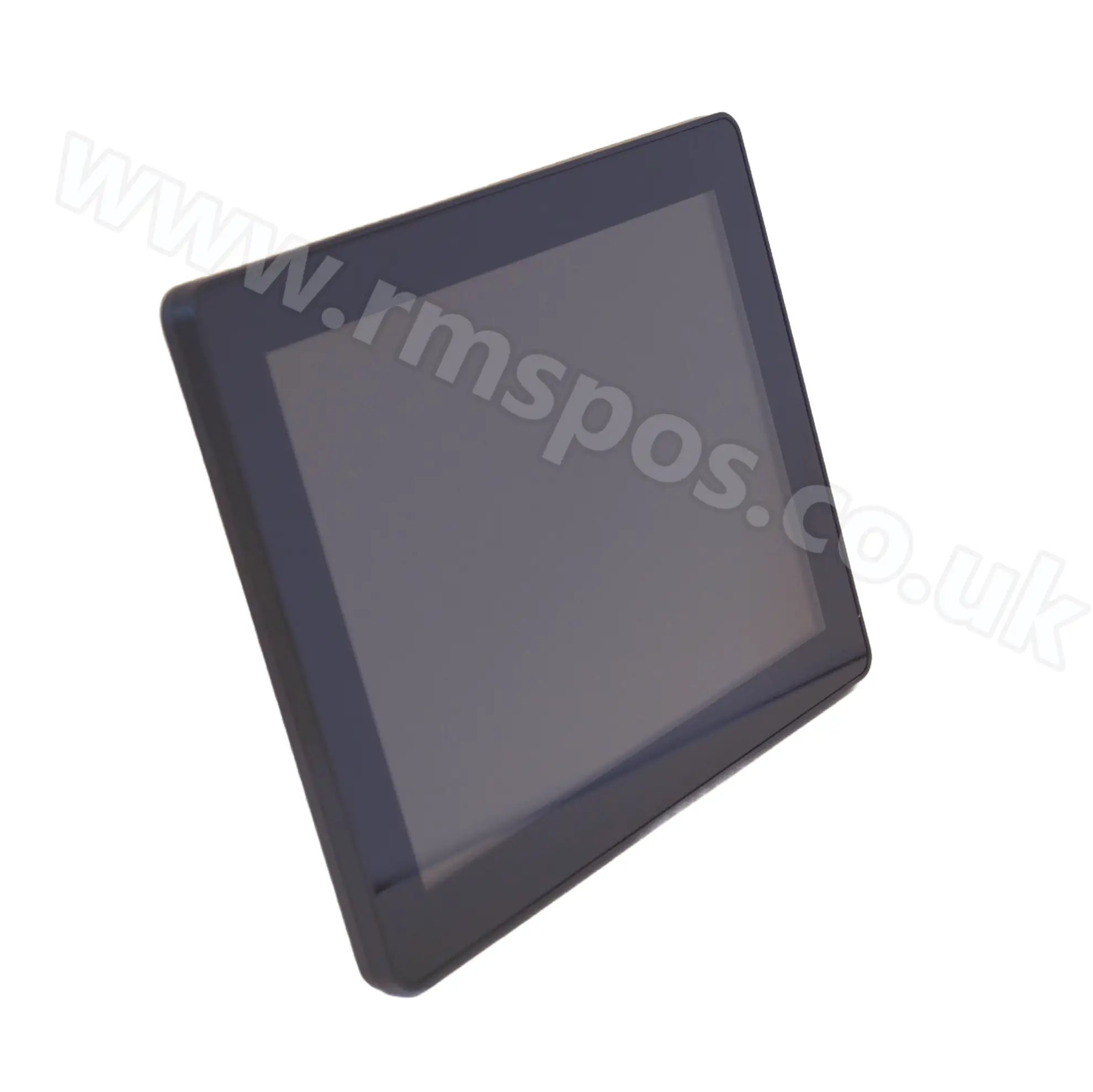
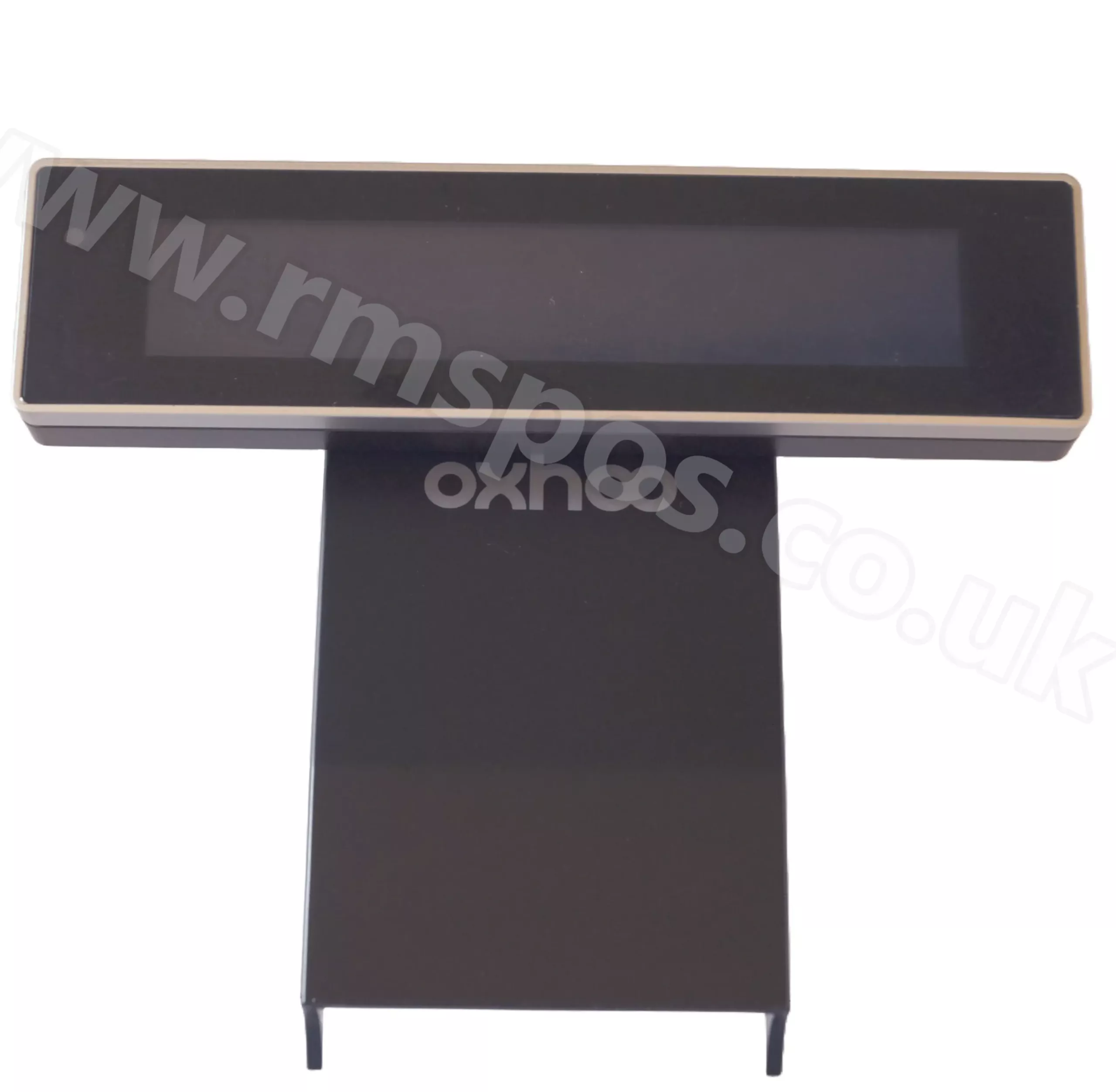
OXHOO ONIX 645E & 200 11.6-inch Customer Display
Deliver clear, high-resolution visuals to your customers with the OXHOO ONIX 11.6-inch display, designed to complement your ONIX 645E or ONIX 200 EPoS system. With a wide viewing angle and sleek design, it presents pricing, promotions and loyalty details with ease. Ideal for retail and hospitality environments seeking a modern, customer-facing solution.
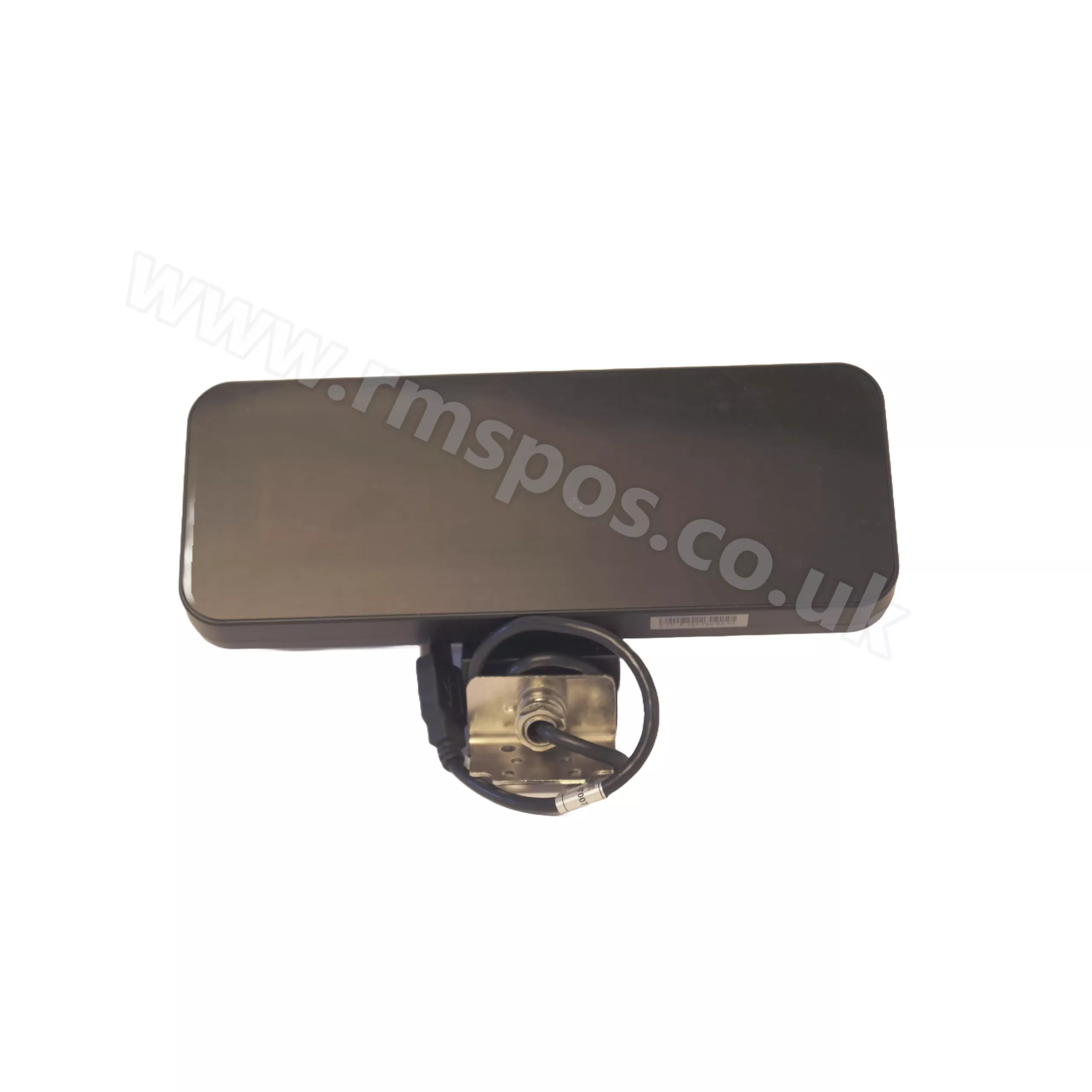
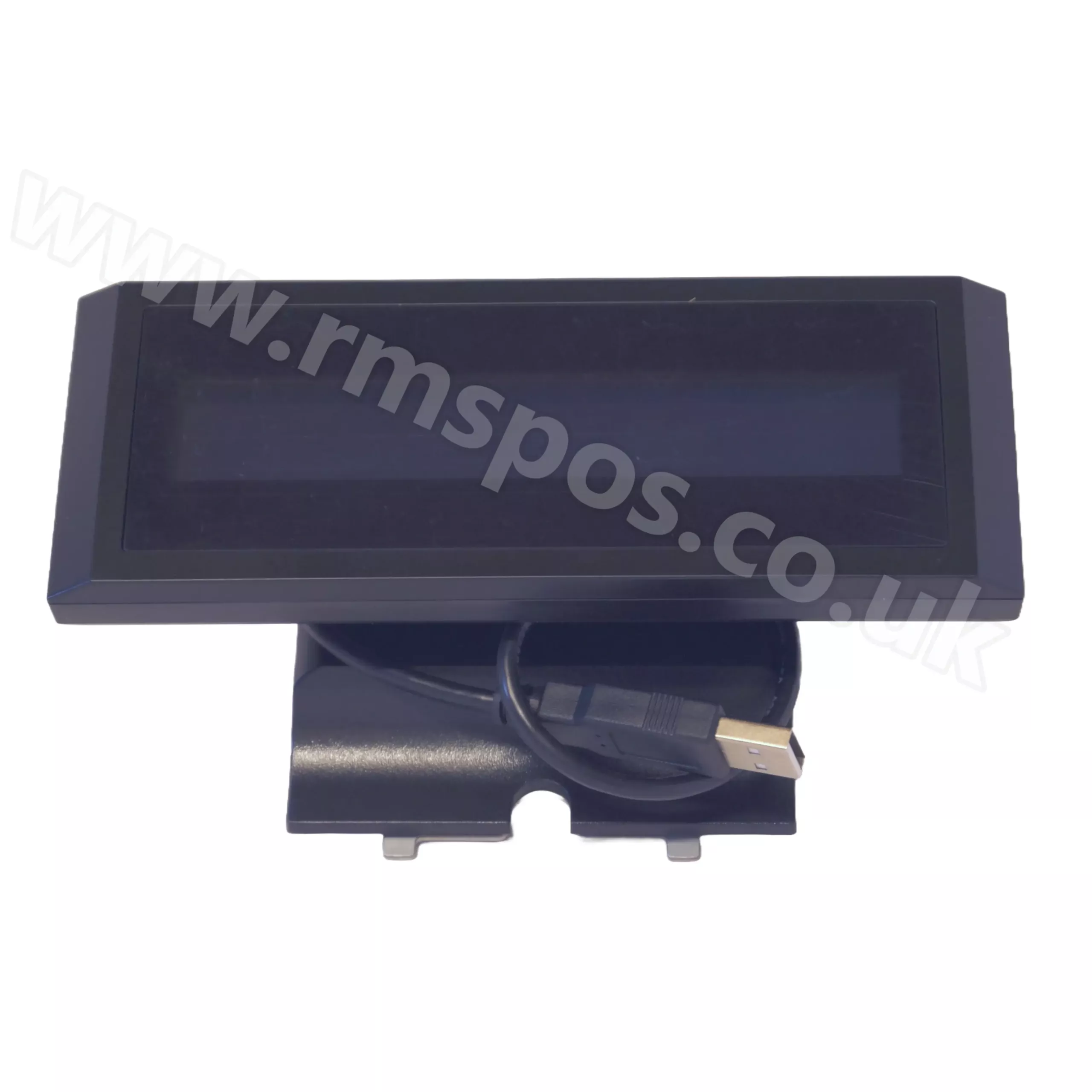
OXHOO ZEO 2-line Customer Display
The 2-line Customer Display for the OXHOO ZEO is a device that allows you to display information to your customers on a second screen at the point of sale.
Please note: This product has been discontinued. Please contact us to discuss alternatives.
OXHOO ONIX 300 2-Line Customer Display
Boost customer satisfaction and minimise errors with this 2-Line Customer Display, the perfect addition to your OXHOO ONIX 300 point-of-sale terminal.
Please note: This product has been discontinued. Please contact us to discuss alternatives.
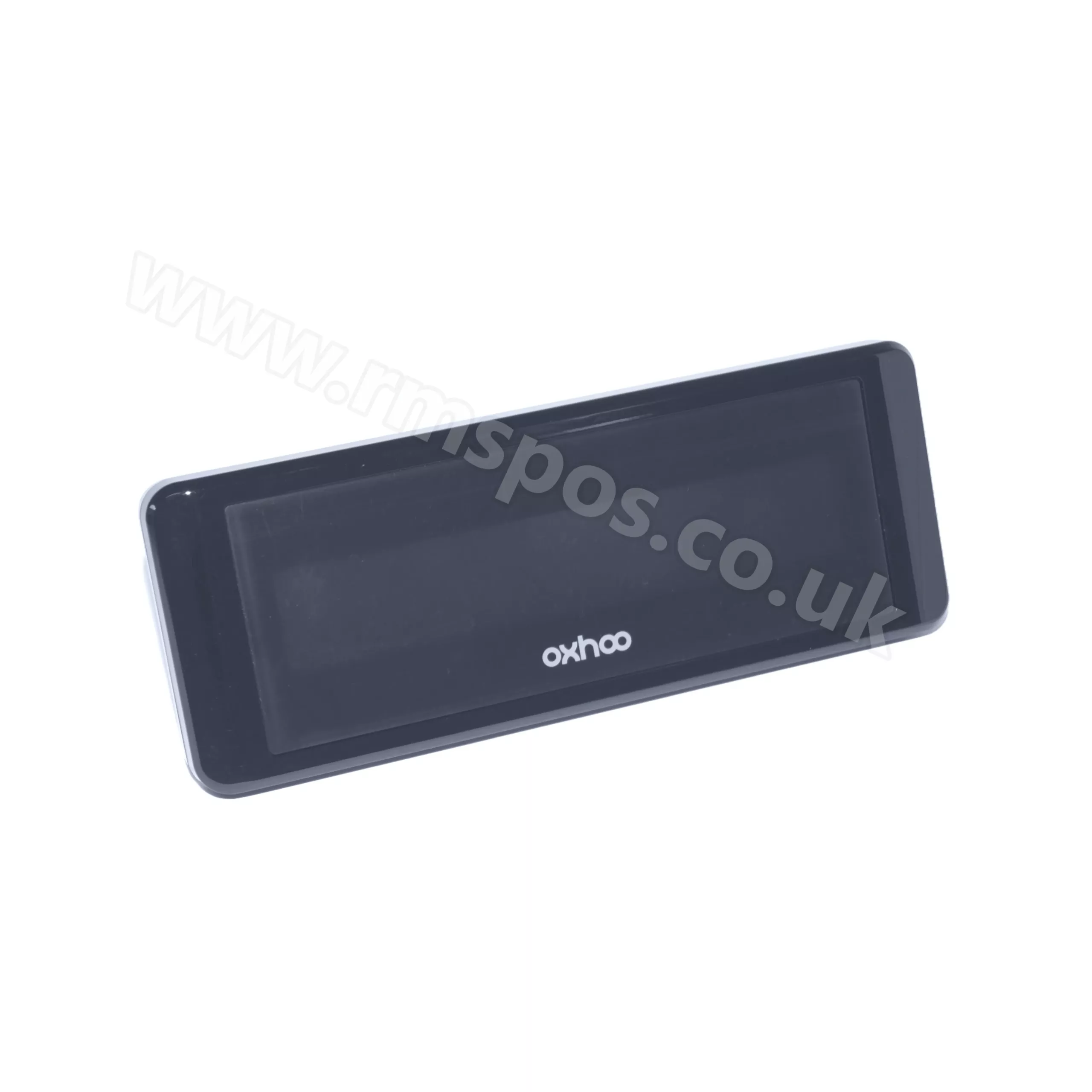
OXHOO ONIX 200 2-Line Customer Display
This 2-Line Customer Display is designed for the OXHOO ONIX 200 and provides your customers with an overview of their transaction.
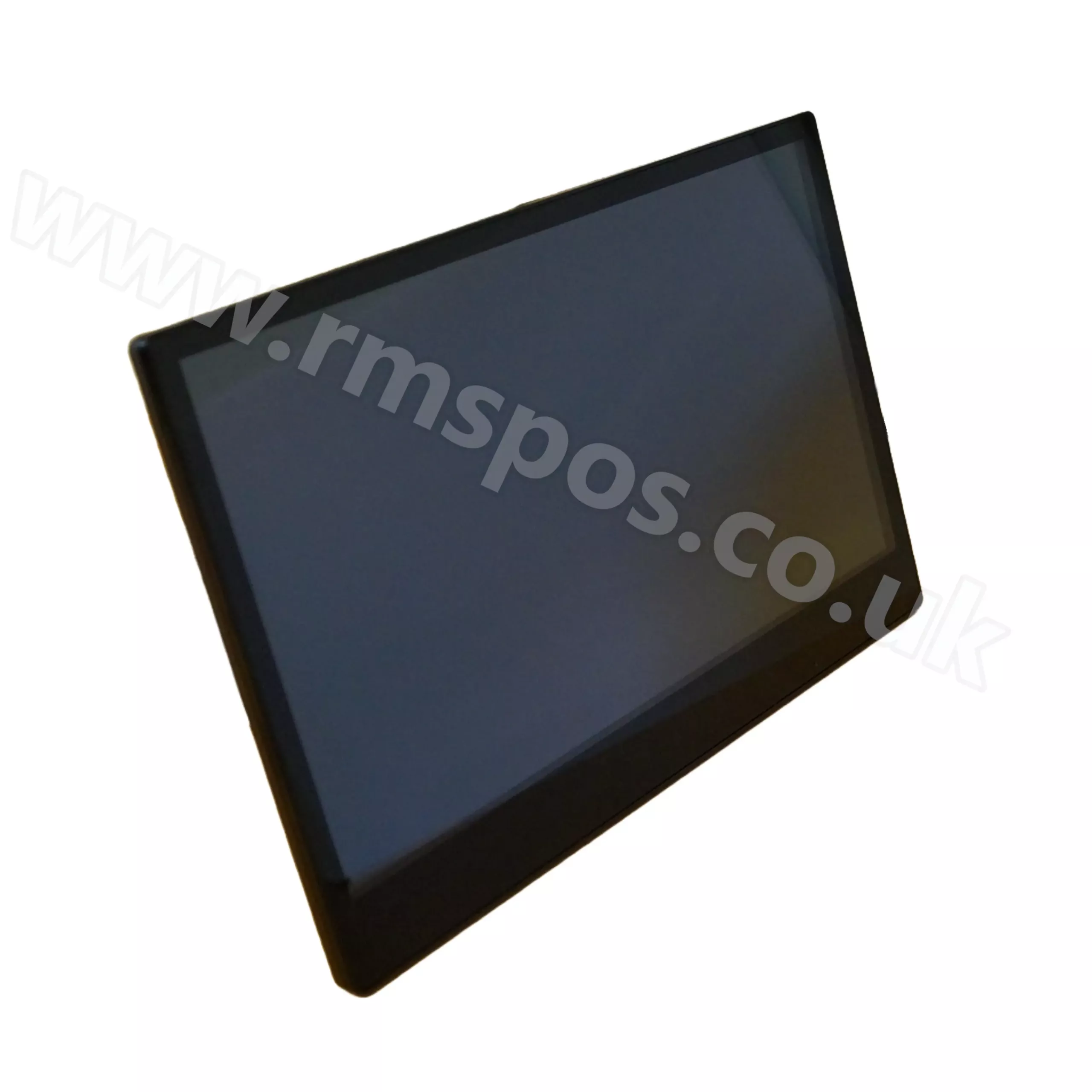
OXHOO EVOQ 11.6-inch LCD Second Display
Catch your customer’s attention with this rear-facing display for the OXHOO EVOQ EPoS System.
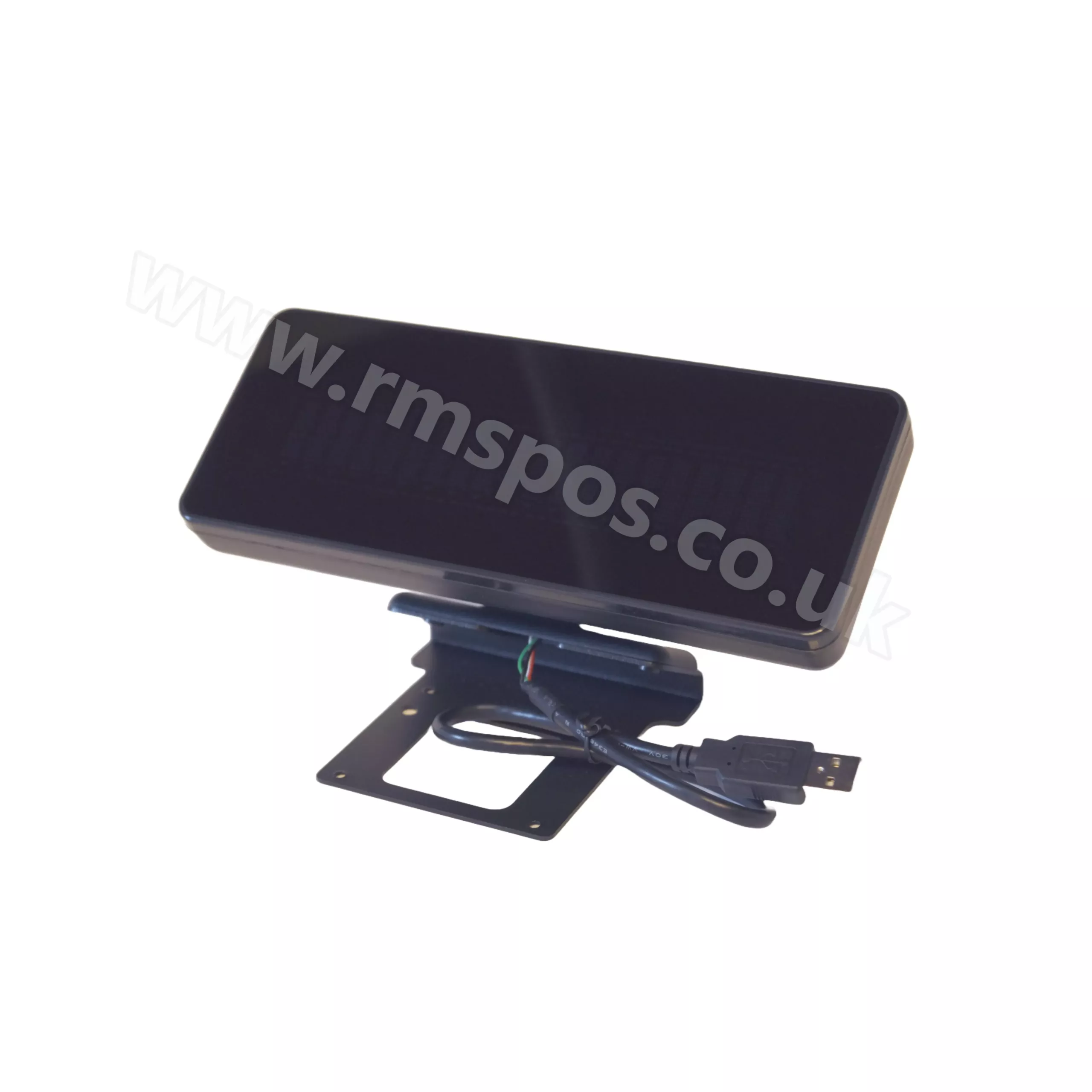
OXHOO EVOQ 2 Line Customer Display
Display information to your customers with this essential addition to your OXHOO EVOQ EPOS System.
OXHOO Customer Displays UK | customer displays for business
Explore OXHOO Customer Displays within the OXHOO range for businesses that need reliable hardware for everyday trading, service and stock workflows. RMS focuses on products that are suitable for commercial use, with advice available before you commit to a model or rollout.
These customer displays can help teams show item details, totals and customer-facing transaction information clearly at the point of sale. Screen size, mounting position, connection type and compatibility with your EPoS software all affect the finished setup.
Customer-facing displays can improve transparency at the point of sale and help customers follow item prices, totals and transaction details. The main checks are display format, mounting, cable route and whether the EPoS software supports the selected model. RMS can help confirm display compatibility with your existing terminal and software.
If you are comparing brands or checking compatibility, browse related EPoS accessories or contact RMS for support with choosing the right option for your EPoS environment.
