ADVANTECH-AURES URP‑PT803 Thermal Receipt Printer: Reliable, Fast and Built for Modern EPoS
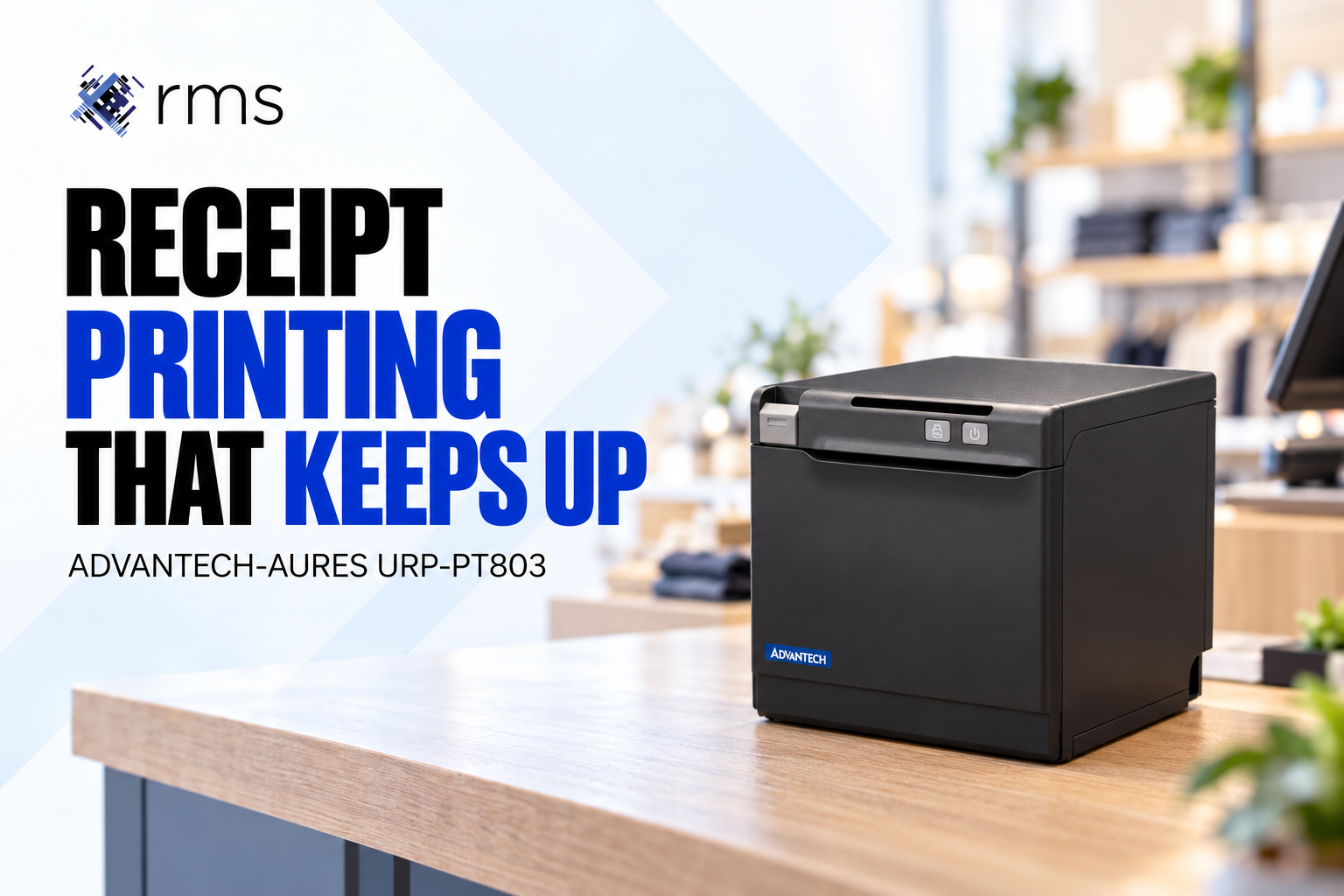
A receipt printer needs to work consistently when the checkout is busy. Slow output, unclear receipts or an awkward paper change can interrupt a transaction and leave staff dealing with avoidable delays.
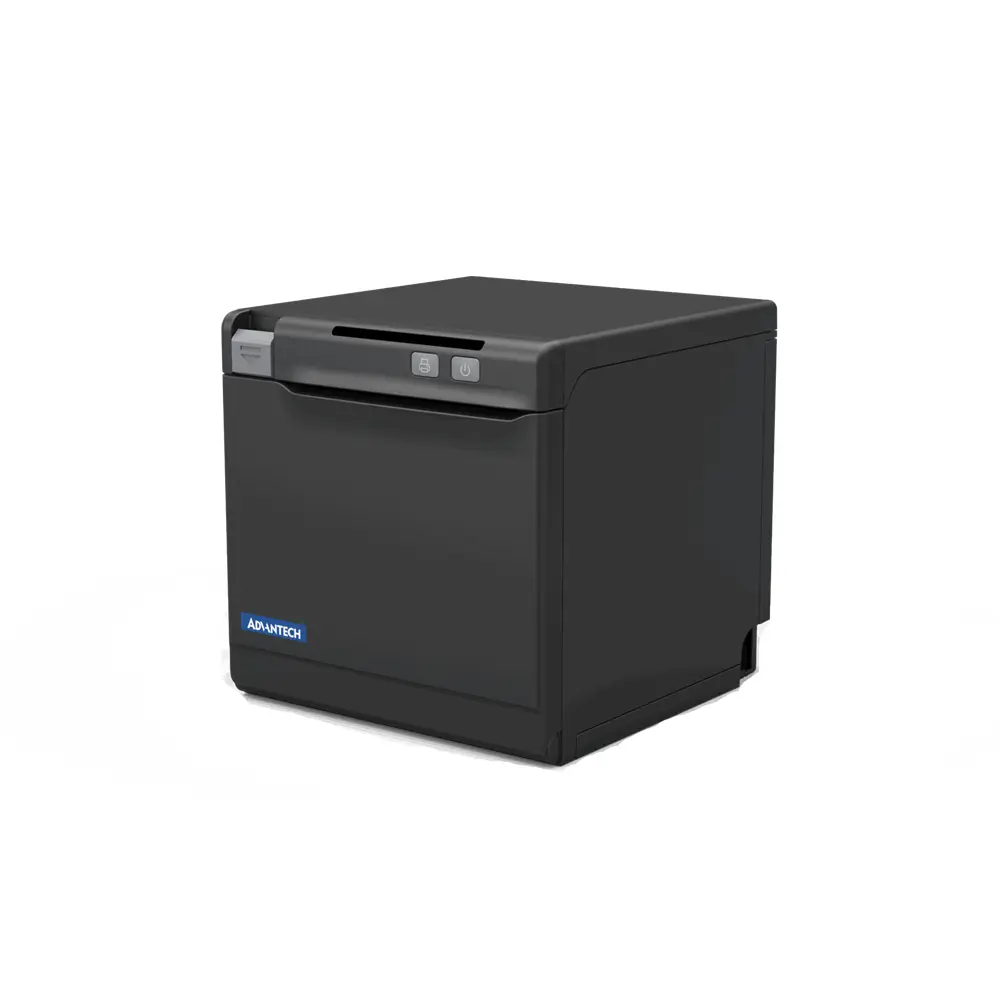
The ADVANTECH-AURES URP‑PT803 thermal receipt printer is an option for retail and hospitality businesses reviewing their checkout hardware. Check the required connections and compatibility with your EPoS software before choosing a configuration.
Why receipt printing still matters
A printed receipt gives customers a record of their purchase and helps staff identify a transaction when handling a return or query. The information printed should be clear and match the sale recorded in the EPoS system.
Receipt requirements vary by business, so check the content your operation needs rather than assuming a printer alone meets every requirement. For wider context, see AURES commentary on the retail technology stack.
Choose the right printer configuration
Check the available connections
The PT803 range includes USB, serial and Ethernet connections, with wireless options depending on the configuration. Confirm the exact interfaces supplied and how the printer will connect to your existing system.
Compatibility should be checked with your supplier before ordering. Installation may involve drivers, network settings and receipt layouts, so allow time to test the printer with your software.
Allow space at the counter
The printer needs to fit the checkout without obstructing staff or customers. Check its dimensions alongside cable access and the room needed to open the cover and replace a paper roll.
Understand thermal printing costs
Direct thermal printing does not require ink or toner, but it still needs suitable thermal receipt paper. Include paper usage, cleaning and maintenance in your running-cost comparison.
Keep replacement rolls close to the checkout and show staff how to load them. A practical routine for paper changes helps avoid interruptions during busy periods.
Match the printer to the working environment
Retail shops, cafés and quick-service venues can have different printing demands. Consider how many receipts you produce, where the printer will sit and whether it will be exposed to spills, heat or frequent handling.
For businesses operating across several sites, a consistent hardware specification can simplify training and replacement arrangements. Confirm that each location has the connections and support needed for the selected setup.
Test it with your wider EPoS system
A printer is one part of the transaction. Test output from sales, refunds and any other workflows your team uses, and check that text, totals and barcodes are legible.
For an OpSuite EPoS installation, speak with RMS about the supported hardware and configuration. Agree how printer faults will be reported and whether replacement equipment is needed to keep trading.
Speak with RMS about receipt printing
Speak with our team about your print volumes, counter layout and current EPoS software. We can help you assess whether the URP‑PT803 is suitable and confirm the connections, installation and support required.
Why choose RMS?
RMS has supported ambitious businesses since 2004, delivering tailored software solutions and EPoS hardware from the Shetland Islands to the Seychelles. We work across multiple retail and wholesale sectors. Contact our team to discuss your requirements.
Keep Reading
Related articles from the RMS blog