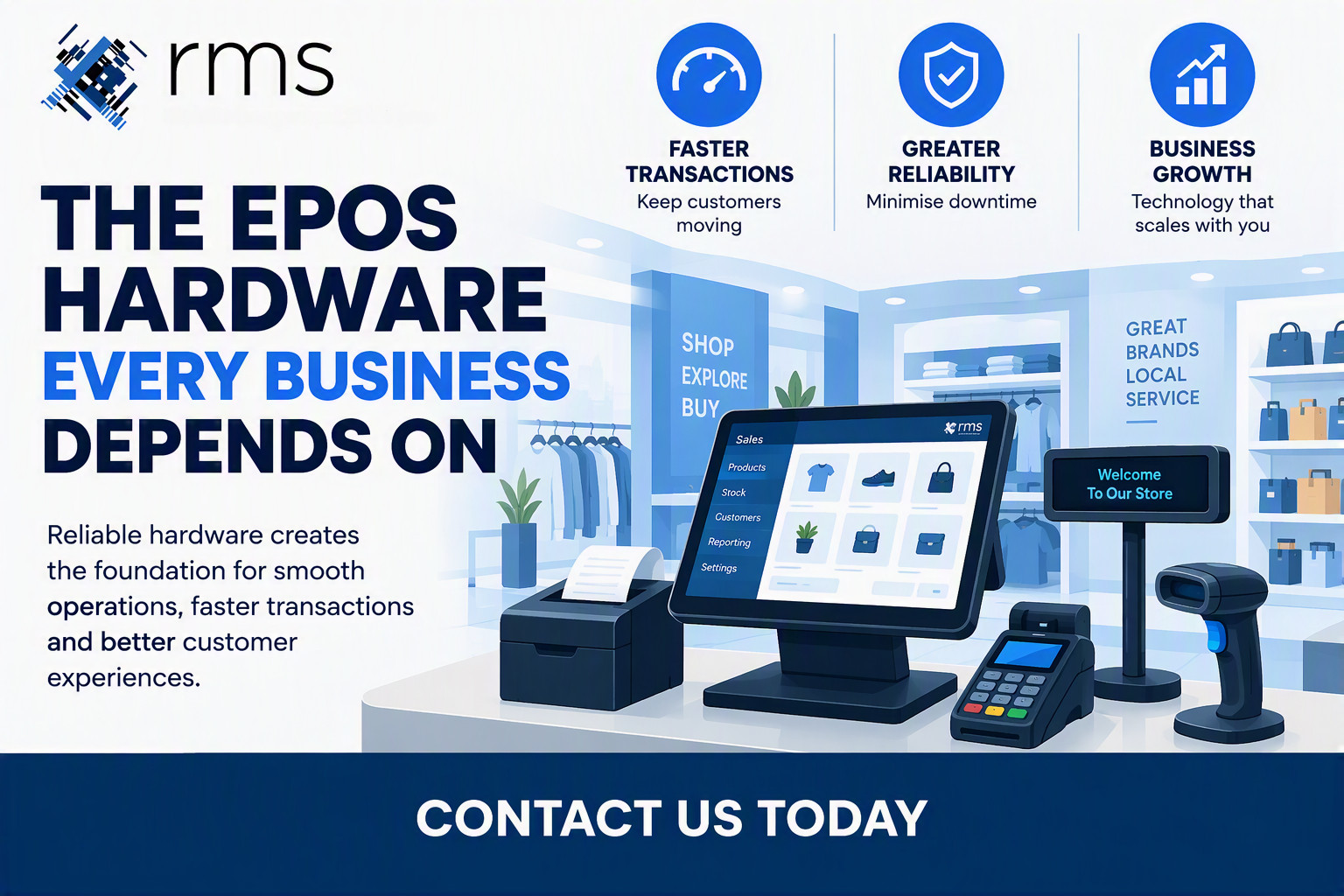
The EPoS Hardware Every Business Depends On
EPoS Hardware: Why the Right Equipment Matters to Your Retail Business
Your EPoS Hardware Is Part of the Customer Experience
Customers may not know which EPoS terminal you use, which barcode scanner you have or who supplied your receipt printer. They do notice when something does not work.
A slow checkout, failed payment, inaccurate price or printer problem can quickly turn a straightforward transaction into an unnecessary delay.
Good EPoS hardware should simply get on with the job.
It should allow staff to:
- Process transactions quickly
- Scan products accurately
- Take payments efficiently
- Access relevant customer and stock information
- Process returns and exchanges
- Complete transactions without unnecessary delays
When the hardware works as it should, staff can concentrate on customers rather than dealing with technology.
Choosing the Right EPoS Terminal
The EPoS terminal is at the centre of the checkout operation. It needs to be capable of running your software reliably while being practical for the environment in which it is being used.
A busy convenience store, fashion retailer, farm shop or multi-site retailer may have very different requirements.
Factors worth considering include:
- Screen size and usability
- Processor and memory specifications
- Available connectivity
- Mounting and counter space
- Durability
- Peripheral compatibility
- Ease of maintenance
- Expected lifespan
- Availability of replacement equipment
The cheapest terminal is not necessarily the most economical choice.
A terminal that requires frequent replacement or creates problems during busy trading periods can cost considerably more than the initial purchase price suggests.
Barcode Scanners: Small Device, Big Impact
A barcode scanner might be one of the smallest components of an EPoS installation but it has a direct impact on transaction speed.
A reliable scanner should read products quickly and accurately without staff having to repeatedly present the barcode.
This becomes particularly important during busy periods when a few seconds saved on each transaction can make a noticeable difference to queues and customer flow.
For businesses handling large volumes of products, choosing the right scanner can also help reduce manual keying and the errors that can result from it.
Receipt Printers Still Matter
Even with the increasing use of digital receipts, printed receipts remain important for many retailers.
A reliable thermal receipt printer should produce receipts quickly and consistently without creating unnecessary interruptions at the checkout.
Receipt printers can also be used for returns documentation, customer information and other transaction-related requirements depending on the EPoS system.
As with other EPoS equipment, reliability is more important than simply choosing the cheapest available device.
Integrated Payment Solutions
Payment processing is another critical part of the checkout.
Customers expect to be able to pay quickly using contactless cards, mobile wallets and Chip and PIN. The payment device needs to work reliably and communicate correctly with the EPoS system.
Integrated payment solutions can provide additional benefits by reducing the amount of information staff need to enter manually and helping ensure that transaction values are passed accurately between the EPoS system and payment terminal.
The result is a simpler checkout process and less administration.
Customer Displays Improve Transparency
A customer display gives the customer visibility of what is happening during the transaction.
Depending on the system, this can allow customers to see:
- Products being scanned
- Prices
- Discounts
- Transaction totals
- Promotional messages
It provides an additional level of transparency and gives the customer confidence that the transaction is being processed correctly.
For some retailers, it can also provide another opportunity to communicate relevant messages to customers while they are at the checkout.
EPoS Hardware Should Work as a System
One of the most important considerations when specifying EPoS hardware is how the individual components work together.
A terminal, scanner, receipt printer, customer display and payment device should not be viewed as separate purchases. They form part of the same checkout environment.
Compatibility matters.
So does the way the equipment is installed, configured, supported and maintained.
This is one reason why buying individual components based purely on price can be a false economy. A saving on one device is of little benefit if it creates compatibility problems elsewhere.
Reliability Should Come Before Specifications
Modern EPoS hardware comes with an impressive range of specifications. It is easy to become distracted by processor speeds, screen resolutions and other technical details.
Specifications are important, but they need to be considered in context.
A retailer does not buy an EPoS terminal because it has an impressive specification. They buy it because it needs to process transactions reliably, day after day.
The right hardware should be selected around the requirements of the business rather than simply choosing the highest specification available.
That means considering:
- How busy the checkout will be
- How many hours the equipment will operate
- The environment in which it will be installed
- Which peripherals are required
- How many locations need to be supported
- Future expansion plans
- Support and replacement requirements
Look at the Total Cost, Not Just the Purchase Price
The price on the quotation is only one part of the cost of EPoS hardware.
Businesses should also consider the potential cost of:
- Hardware failures
- Downtime
- Replacement equipment
- Engineer visits
- Staff disruption
- Lost transactions
- Incompatible peripherals
- Premature hardware replacement
A slightly higher initial investment in appropriate, reliable equipment can make commercial sense when the complete cost of ownership is considered.
This is particularly important for businesses operating multiple sites where a hardware issue can affect more than one location.
Hardware and Software Need to Work Together
Your EPoS hardware should be selected as part of the wider solution.
With OpSuite EPoS, hardware supports the wider retail operation rather than simply providing a screen for taking payments.
The EPoS system can provide access to information covering areas such as sales, stock, customers and reporting while the hardware provides the interface through which staff interact with that system.
This is why hardware specification should form part of the overall EPoS project rather than being treated as an afterthought.
Plan for the Future
Businesses change.
You may open another store, introduce self-service, add mobile PoS, expand your ecommerce operation or change the way customers collect their purchases.
Your EPoS hardware should not unnecessarily restrict those plans.
Scalable equipment and a properly considered hardware specification can make future expansion easier and reduce the need to replace equipment simply because your requirements have changed.
This does not mean buying more technology than you need today. It means understanding where the business is going and making sensible decisions about the equipment you invest in now.
Why Professional EPoS Hardware Selection Matters
There is a huge range of EPoS hardware available and it can be tempting to compare products simply by looking at specifications and prices.
The more important question is whether the equipment is appropriate for the application.
A good EPoS supplier should understand the environment in which the equipment will be used, the software it needs to run and the peripherals required at the checkout.
They should also consider what happens after installation.
Who supports the equipment?
What happens if something fails?
Can replacement hardware be supplied quickly?
Will the equipment remain compatible as the EPoS system develops?
These questions are often more important than saving a few pounds on the initial purchase.
EPoS Hardware from RMS
RMS has been supplying and supporting EPoS solutions since 2004, combining EPoS software with hardware selected around the requirements of each business.
We work with retailers and wholesalers across a wide range of sectors, from individual sites to multi-location operations.
Our approach is straightforward: understand how the business operates, establish what the EPoS system needs to achieve and then specify the appropriate hardware to support it.
That can include EPoS terminals, barcode scanners, receipt printers, customer displays and integrated payment solutions.
The objective is not simply to sell you a collection of hardware. It is to provide an EPoS solution that works reliably in the real world.
Choosing EPoS Hardware Is an Investment in Your Operation
Your EPoS hardware sits at the heart of the customer transaction.
The right equipment can help staff work efficiently, keep queues moving and reduce avoidable disruption. The wrong equipment can do exactly the opposite.
When reviewing your EPoS hardware, look beyond the initial purchase price and consider reliability, compatibility, support, scalability and the total cost of ownership.
Most importantly, make sure the hardware is selected as part of the wider EPoS solution.
If you are replacing ageing equipment, opening a new location or reviewing your existing EPoS system, RMS can help you identify the hardware and software requirements for your business.
Contact RMS to discuss your requirements or find out more about OpSuite EPoS.
Information correct at time of publication.
Keep Reading
Related articles from the RMS blog