
Product category
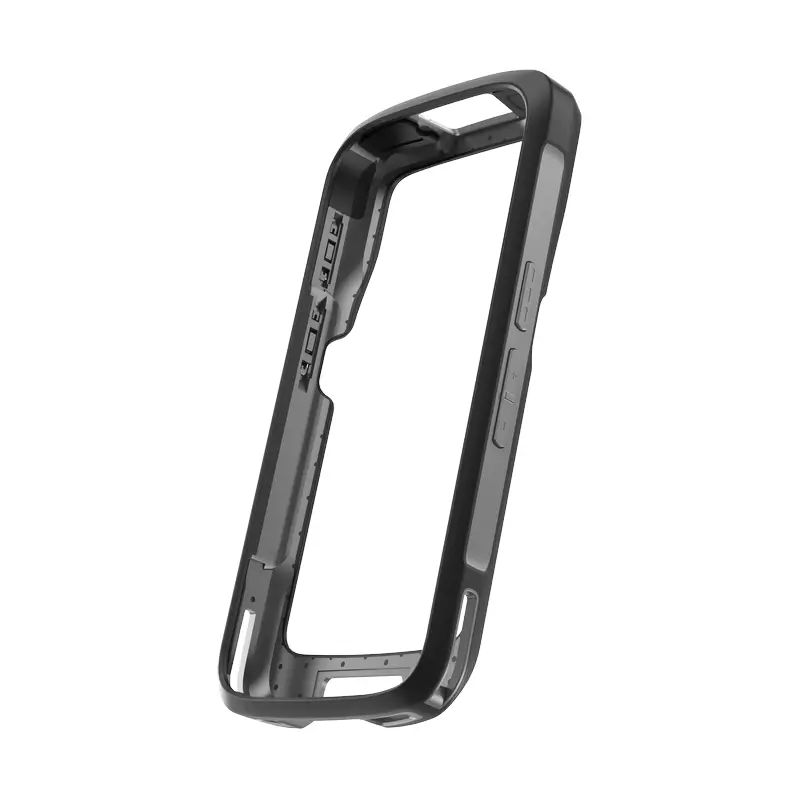
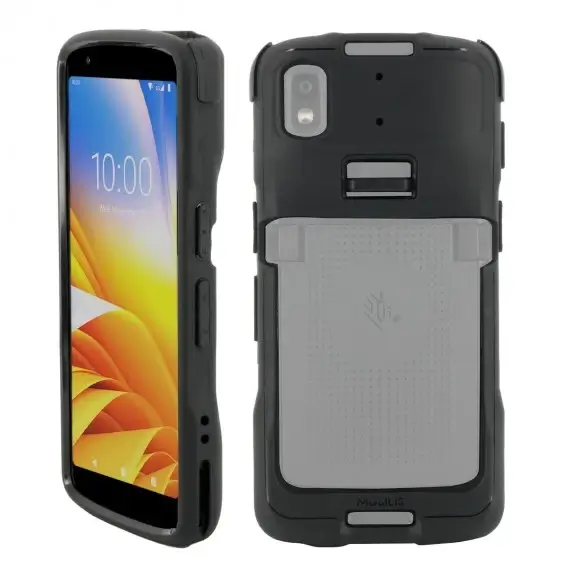
Zebra Rubber Boot for TC22/TC27 Mobile Computer – SG-TC2L-BOOT-01
£37.32 ex. VAT
The Zebra Rubber Boot for TC22/TC27 Mobile Computer boosts device durability by increasing its drop spec from 4 ft. to 5 ft. (1.5 m) and is fully compatible with both battery types. It’s a simple yet effective way to protect your mobile computer in tough environments.
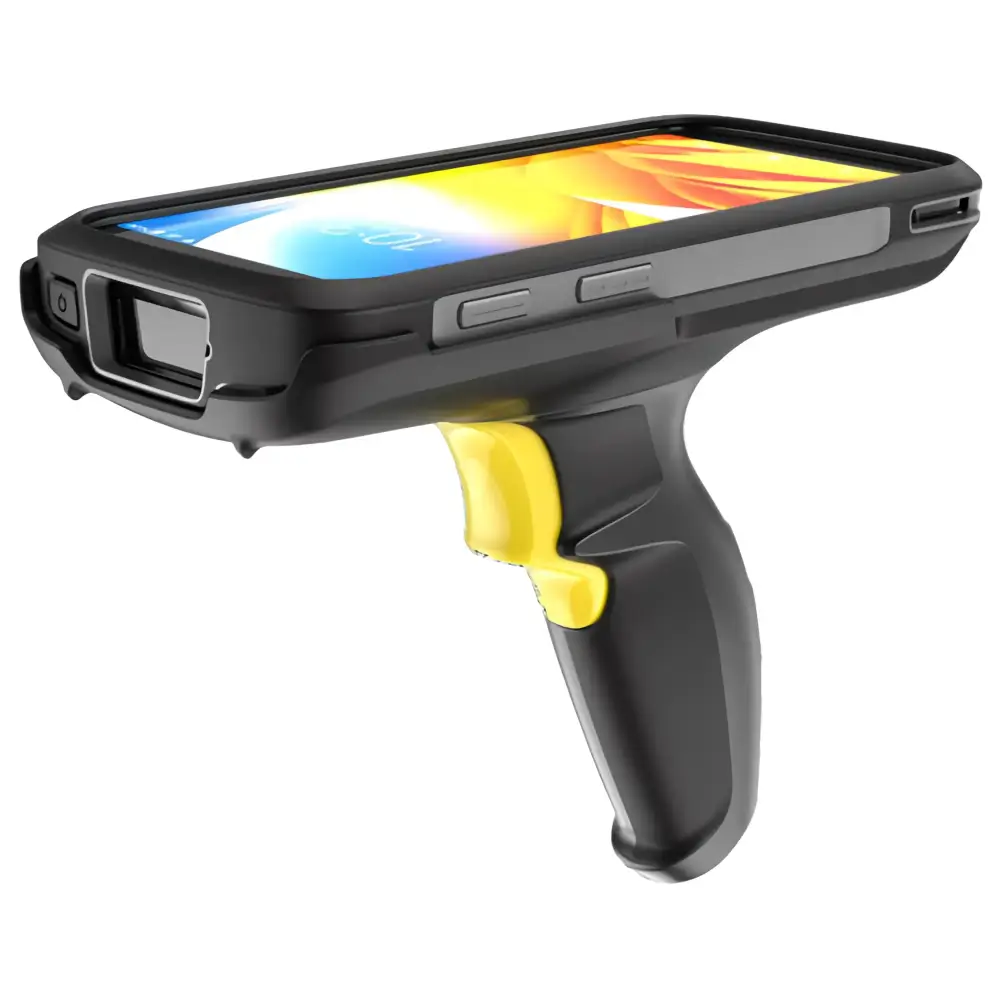
Zebra Trigger Handle for TC22/TC27 Mobile Computer – TRG-TC2L-SNP1-01
£202.65 ex. VAT
The Zebra Trigger Handle for TC22/TC27 Mobile Computer adds a comfortable pistol-grip to TC22/TC27 mobile computers, ideal for scan-intensive tasks. Features quick battery access, integrated stand and rear camera visibility.
Please note: Zebra Rubber Boot for TC22/TC27 Mobile Computer required.
This device is not compatible with the Zebra Hand Strap for TC22/TC27 Mobile Computer.
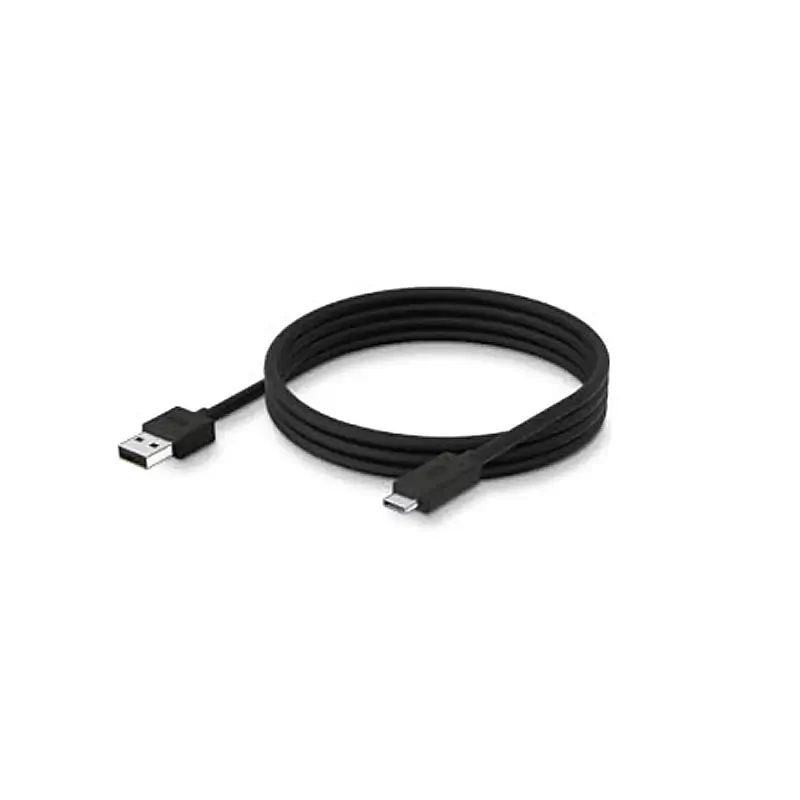
Zebra 1m USB-C to USB-A Cable – CBL-TC5X-USBC2A-01
£9.13 ex. VAT
This cable is compatible with Zebra models such as the TC21, TC26, ET51, ET56, MC2200 and MC2700.
Also available: Newland USB-A to USB-C Cable & Honeywell USB-A to USB-C Cable
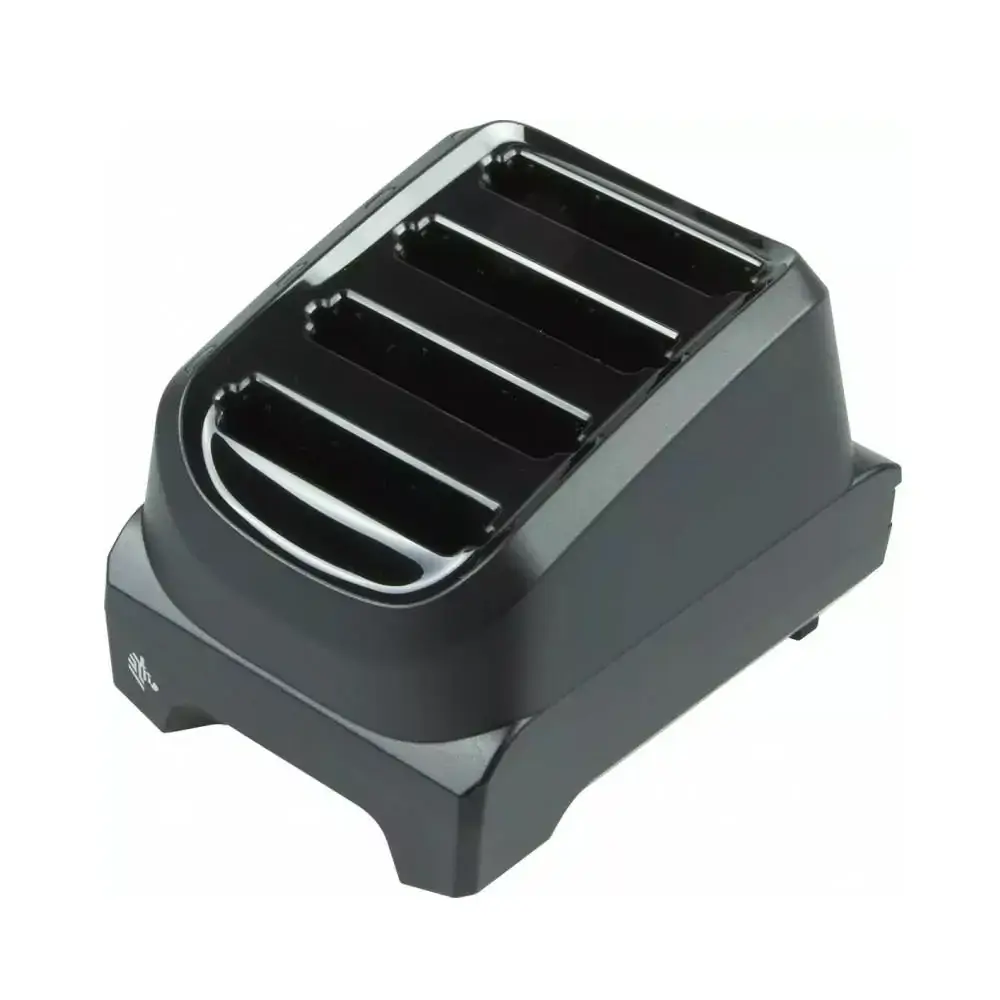
Zebra 4-Slot Battery Charging Cradle for TC21/TC26
£267.58 ex. VAT
4-slot charging cradle for Zebra TC21 and TC26 batteries with individual LED indicators and compact desktop design.
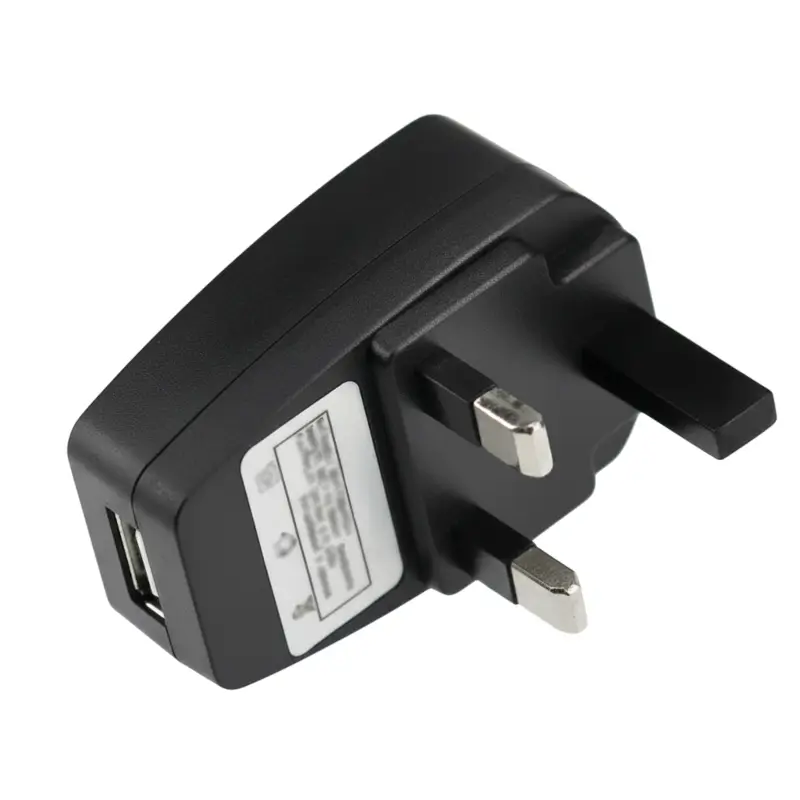
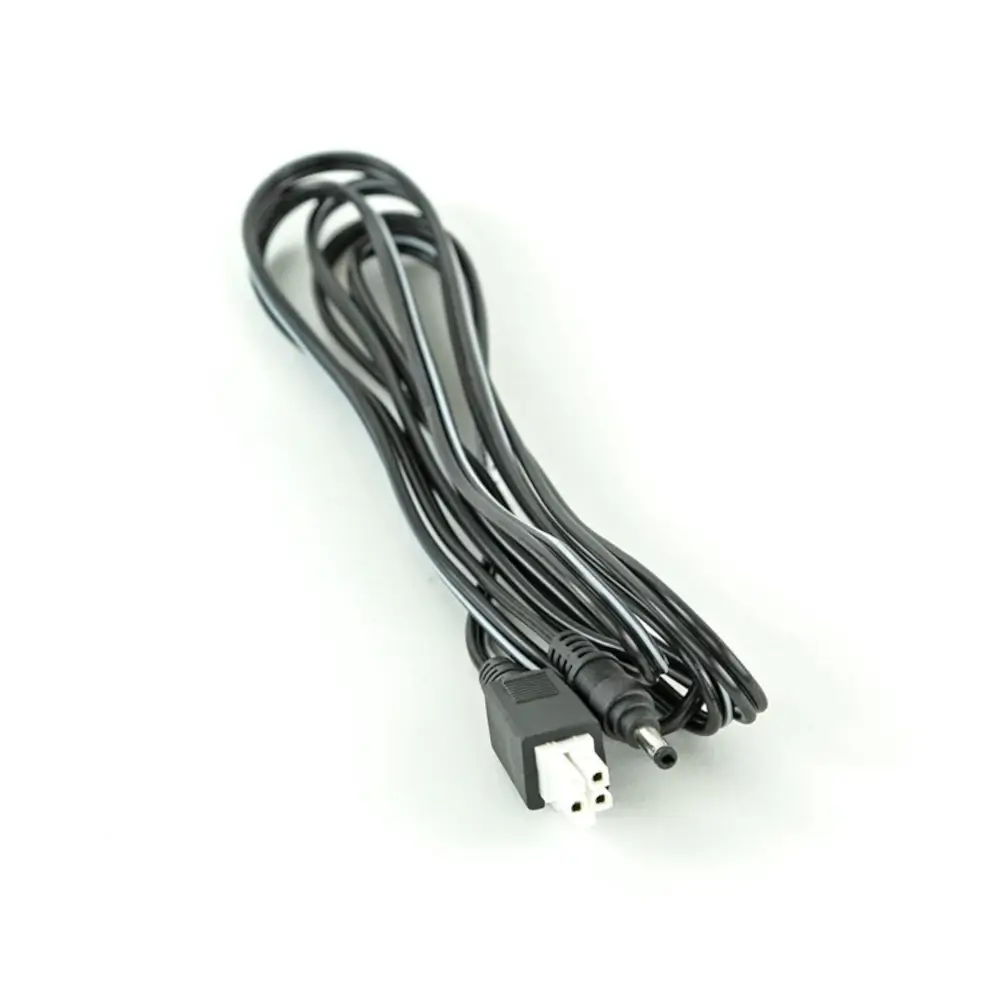
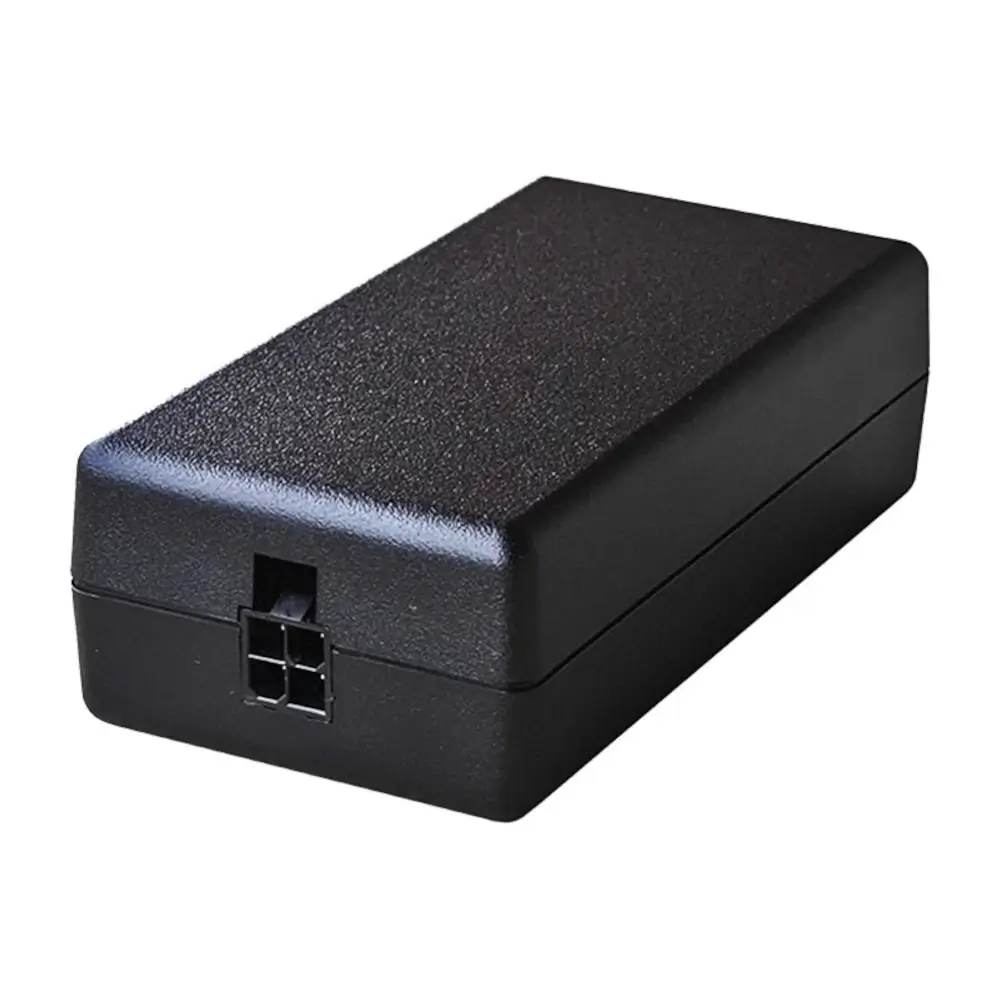
Please note: This cradle requires a power supply, a DC cable and an AC line cord which are sold separately.
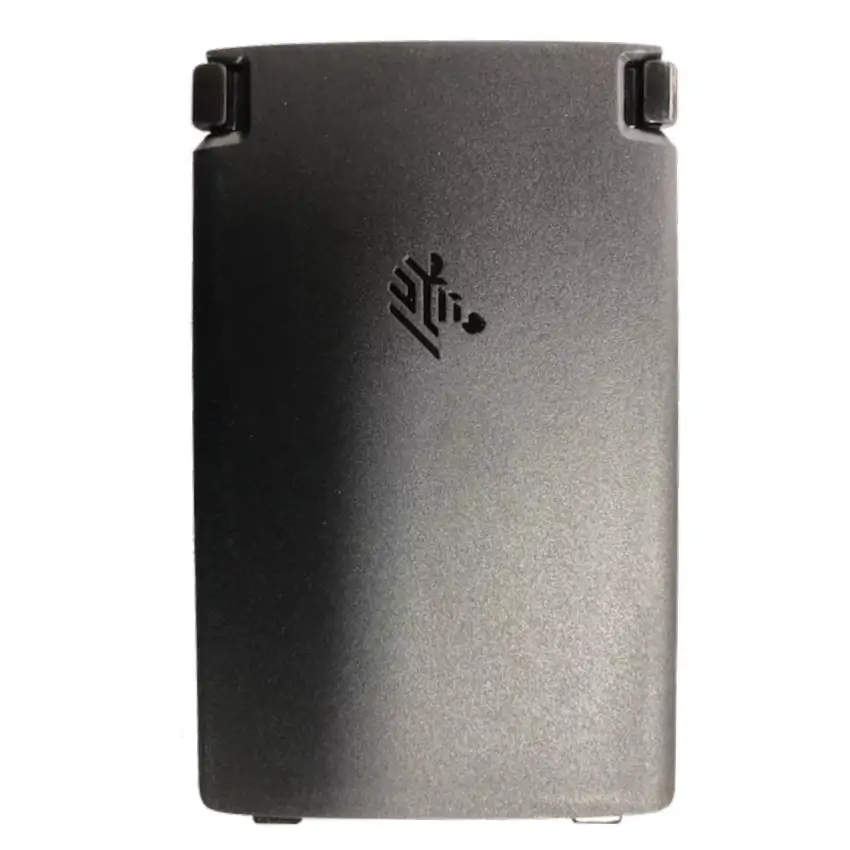
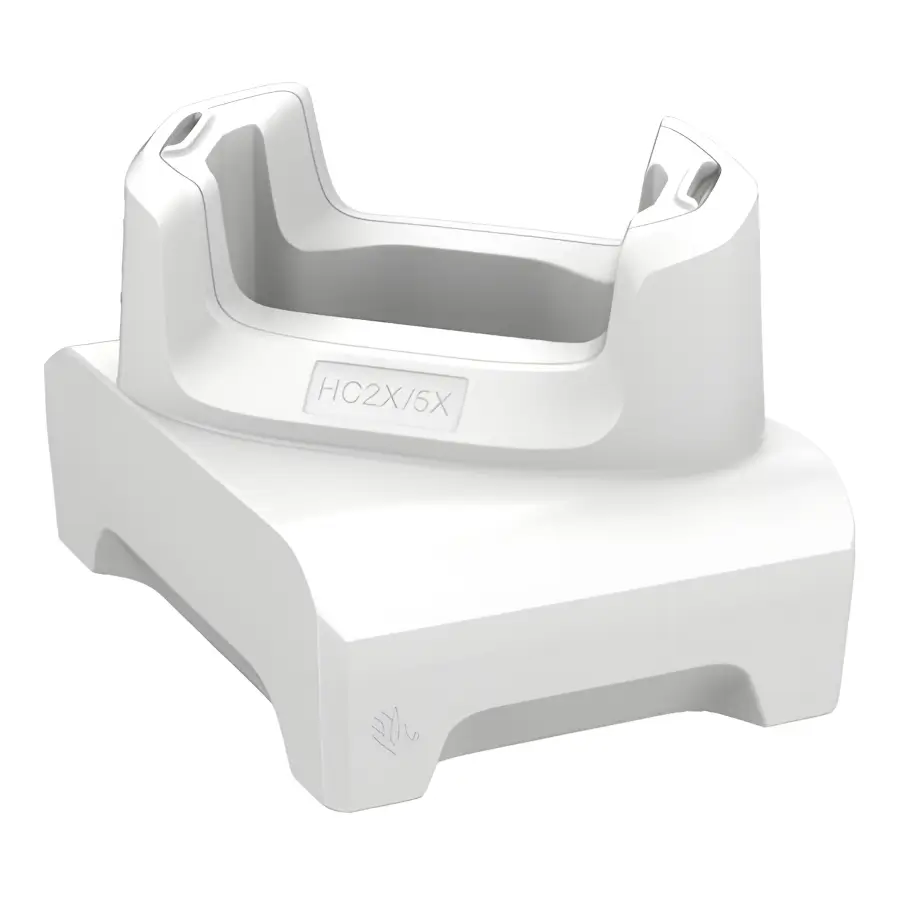
Zebra Charging Cradle for HC2X/HC5X – CRD-HC2L5L-BS1CO
£82.78 ex. VAT
Zebra Handheld Accessories UK | mobile computers for business
Explore Zebra Handheld Accessories within the Zebra range for businesses that need reliable hardware for everyday trading, service and stock workflows. RMS focuses on products that are suitable for commercial use, with advice available before you commit to a model or rollout.
These mobile computers can help teams keep stock, fulfilment and shop-floor teams connected while they move around the business. Key points include operating system, scan engine, battery life, charging setup, accessories and how the device will fit your stock or fulfilment process.
If you are comparing brands or checking compatibility, browse related handheld accessories or contact RMS for support with choosing the right option for your EPoS environment.
