
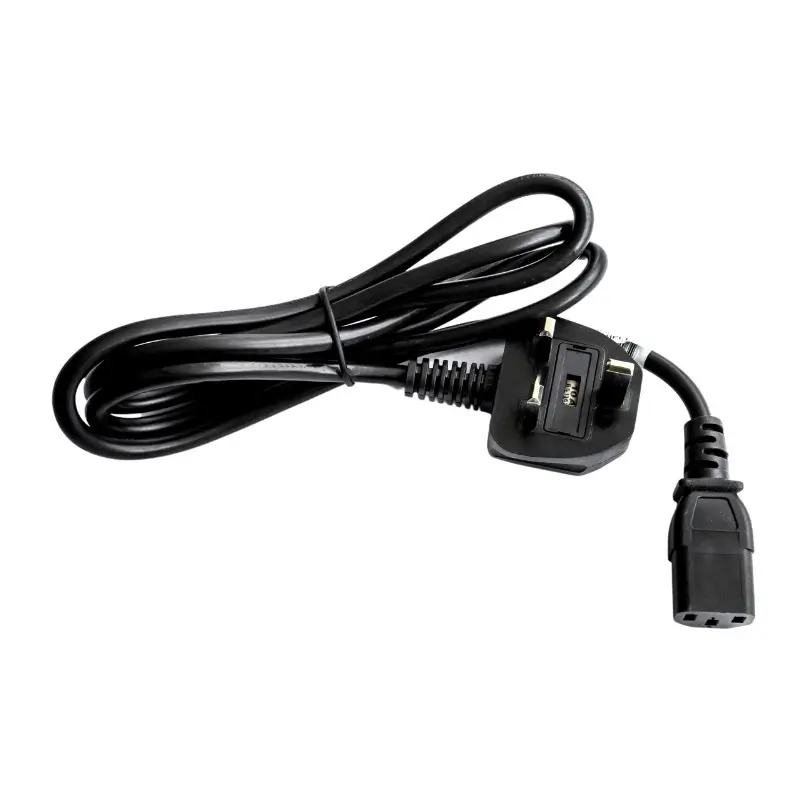
Seiko C13 UK Mains Cable CB-UK04-20A – 22910371
£7.73 ex. VAT
The Seiko C13 UK Mains Cable (CB-UK04-20A – 22910371) is a dependable power solution for Seiko POS printers such as the Seiko RP-E Series and Seiko RP-F10. It ensures stable power delivery and robust construction for long-lasting use. Compatible with various Seiko printer models, it is easy to install and perfect for retail and hospitality environments.
Note: Power Supply sold separately
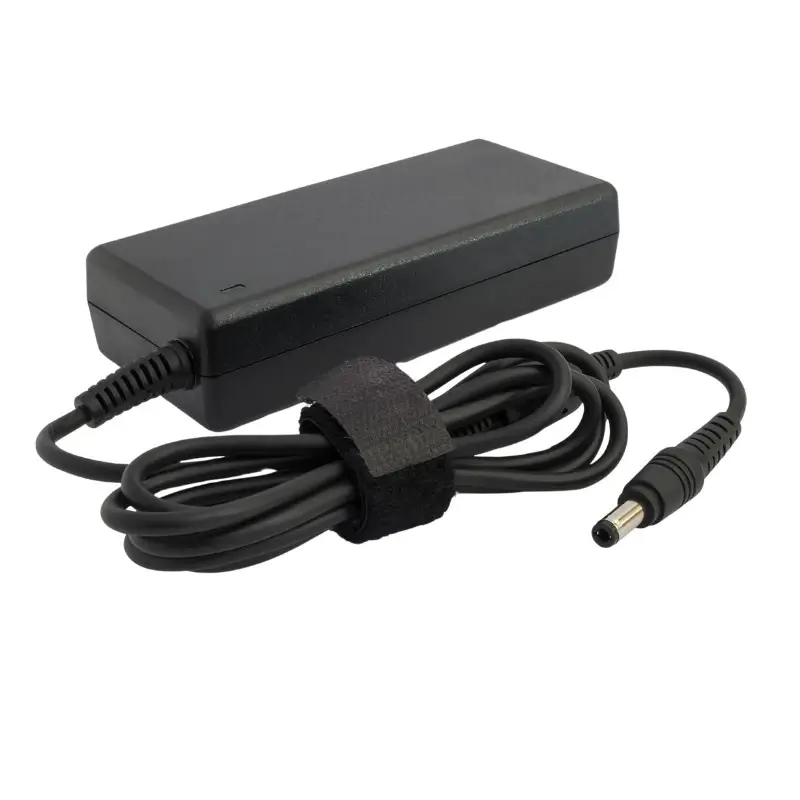
Seiko Power Supply for RP-F Series PW-G2421-W1 – 22910304
£31.44 ex. VAT
The Seiko Power Supply for RP-F Series PW-G2421-W1 (22910304) provides reliable and efficient power for Seiko RP-F series printers such as the Seiko RP-F10 Thermal Receipt Printer.
Note: Power Cable sold separately
Please Note: This product has been discontinued.
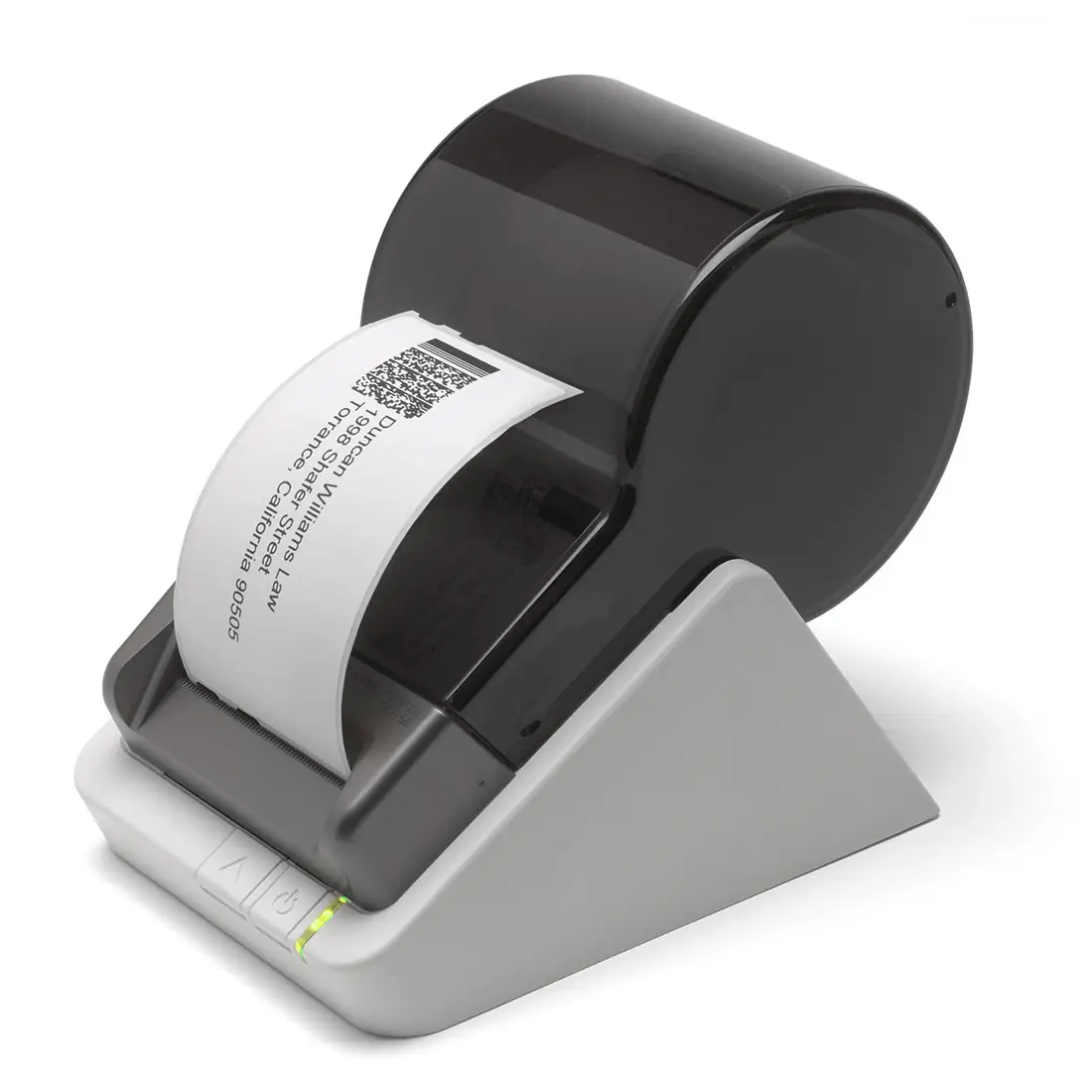
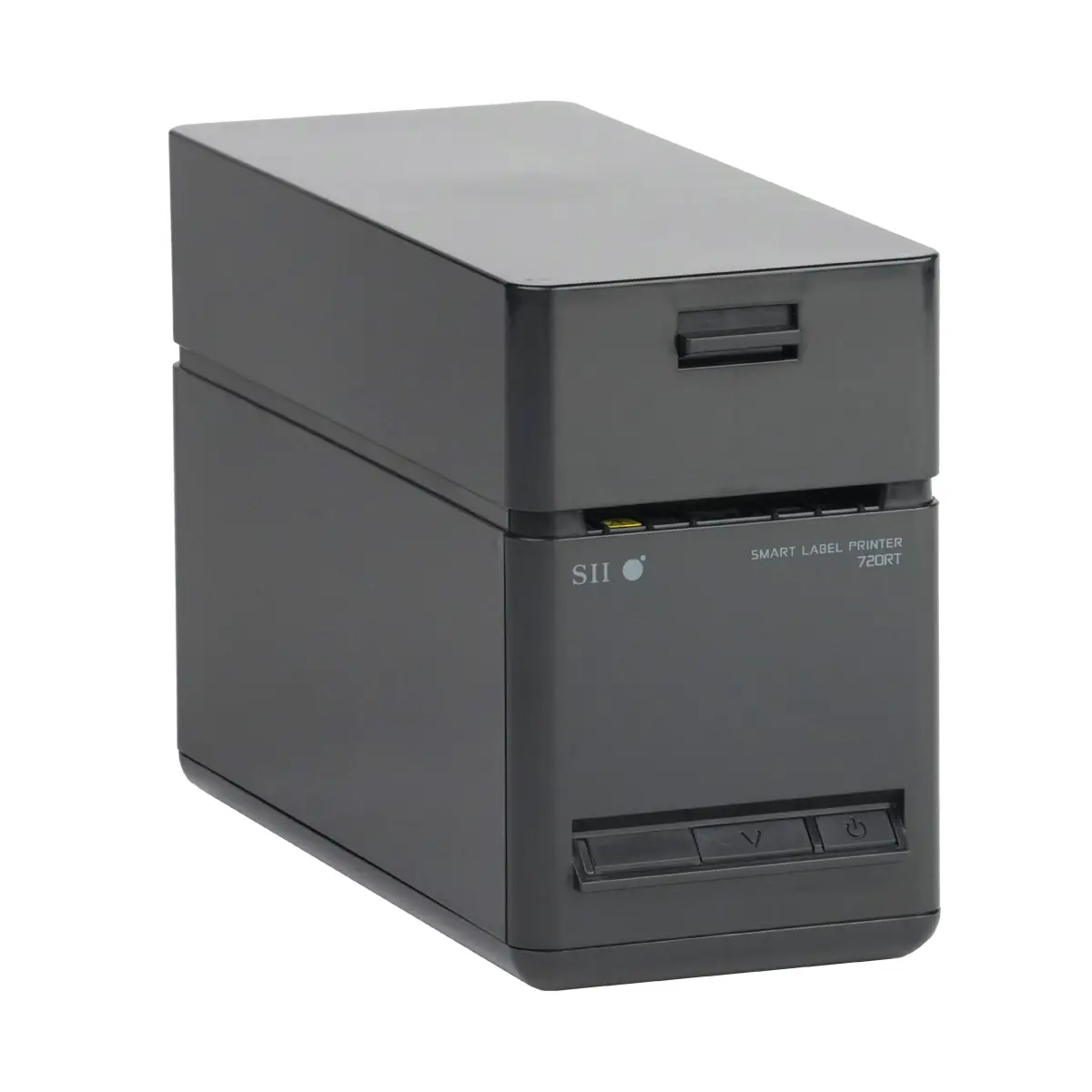
Seiko SLP620 Smart Label Printer – 42-900110
£62.65 ex. VAT
Please note: this printer comes with an EU power cable, if you require a UK plug then please order the C13 UK Mains Power Cable.

Seiko EPoS Printers UK | receipt printers for business
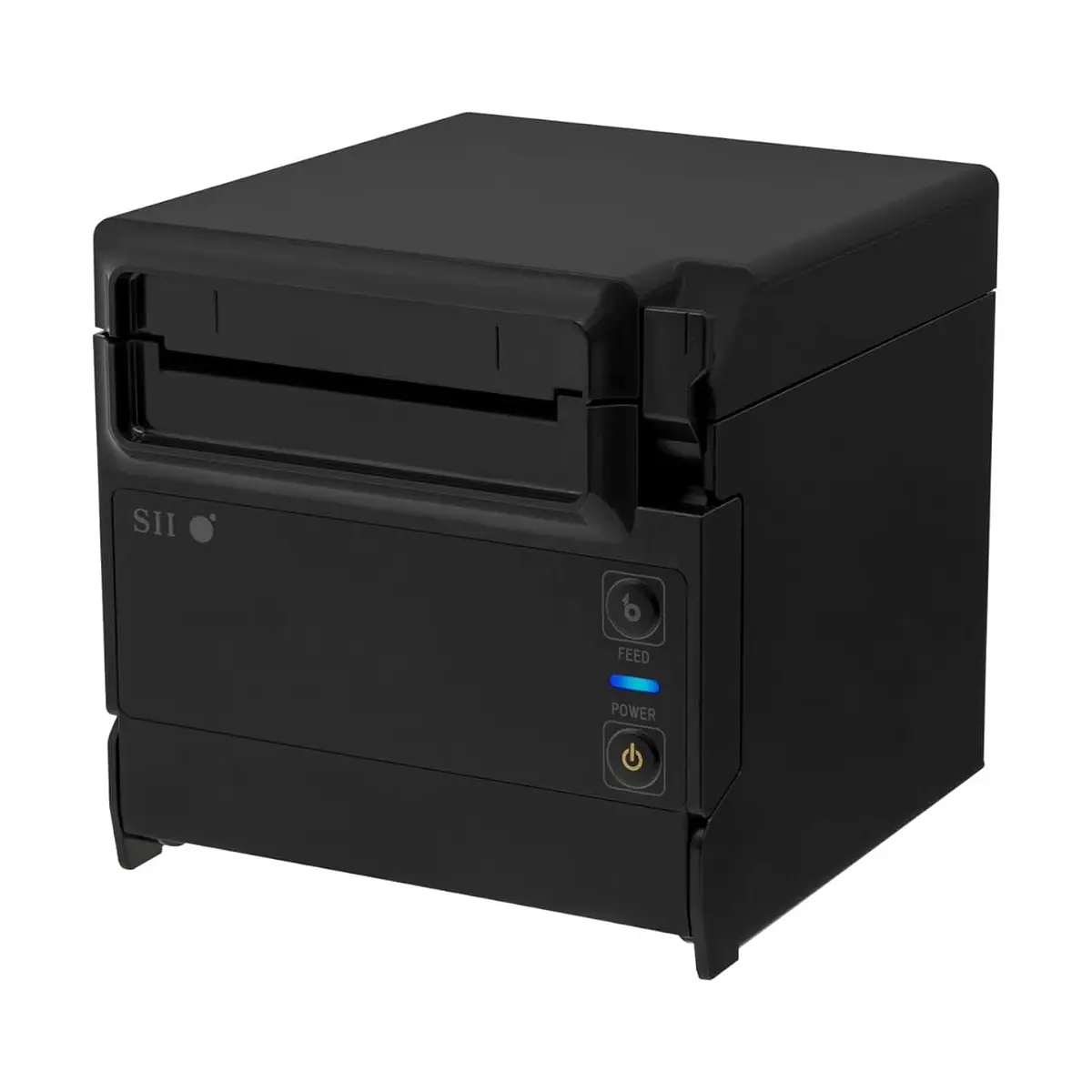
Explore Seiko EPoS Printers within the Seiko range for businesses that need reliable hardware for everyday trading, service and stock workflows. RMS focuses on products that are suitable for commercial use, with advice available before you commit to a model or rollout.
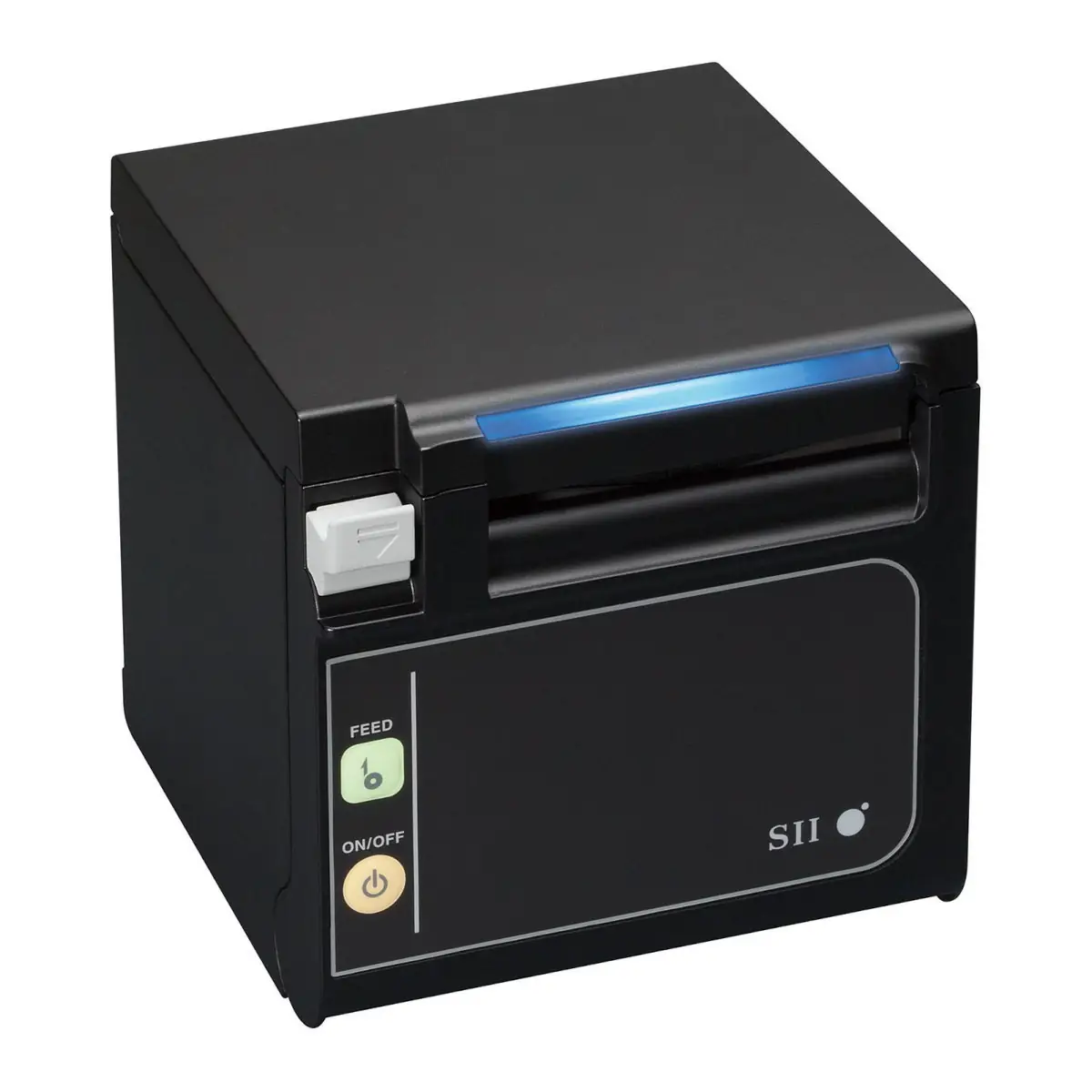
These receipt printers can help teams print clear receipts, kitchen orders and customer documentation without slowing down service. Think about print speed, paper width, cutter life, USB, Ethernet or wireless connectivity and whether the printer will be used at a till, kitchen or service counter.
Printer choice has a direct effect on service speed and reliability. Consider where the printer will sit, how many receipts or orders it will produce, how it connects to the till and whether it needs to open a cash drawer or operate in a kitchen environment. RMS can help confirm the right paper width, connectivity and EPoS compatibility for your site.
If you are comparing brands or checking compatibility, browse related printer accessories or contact RMS for support with choosing the right option for your EPoS environment.
