
You might also like
Epson Ink Cartridges for ColorWorks C6000 and C6500
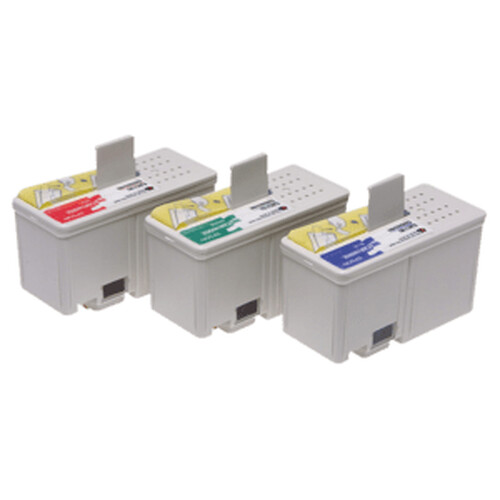
Keep your Epson ColorWorks label printer producing vibrant, clear colour labels with genuine SJIC36P ink cartridges. Choose cyan, magenta or yellow to replace an individual colour. For black, select the cartridge that matches your printer: standard black for BK models or matte black for MK models. Each cartridge contains 80 ml of ink.
Key Features:
- Five cartridge options: Choose cyan, magenta, yellow, standard black or matte black.
- Made for ColorWorks C6000 and C6500: Epson lists these cartridges for compatible Ae and Pe printer models.
- 80 ml per cartridge: Replace the colour you need without changing the full set.
- Two black ink choices: Select standard black for BK printers or matte black for MK printers.
- Genuine Epson ink: Use Epson consumables designed for the ColorWorks printer range.
Benefits:
- Keep colour output consistent: Replace the relevant cartridge as ink runs low and maintain your usual label workflow.
- Choose the right black: The separate BK and MK options help you match ink to your printer configuration.
- Restock individual colours: Order the shade you need instead of replacing colours that still have ink.
Whether you print product labels, packaging or colour-coded information, genuine Epson cartridges help keep your ColorWorks printer ready for the next job. Check your printer’s BK or MK configuration before choosing a black cartridge.
You can view more Epson products here.
| Weight | 0.08 kg |
|---|---|
| Compatibility | Epson ColorWorks C8000e |
| Capacity | 480 ml |
Manuals & Drivers
You can find manuals and drivers on the Epson Support website.
Open this tab to load its products.
Open this tab to load its products.
Open this tab to load its products.
