

You might also like
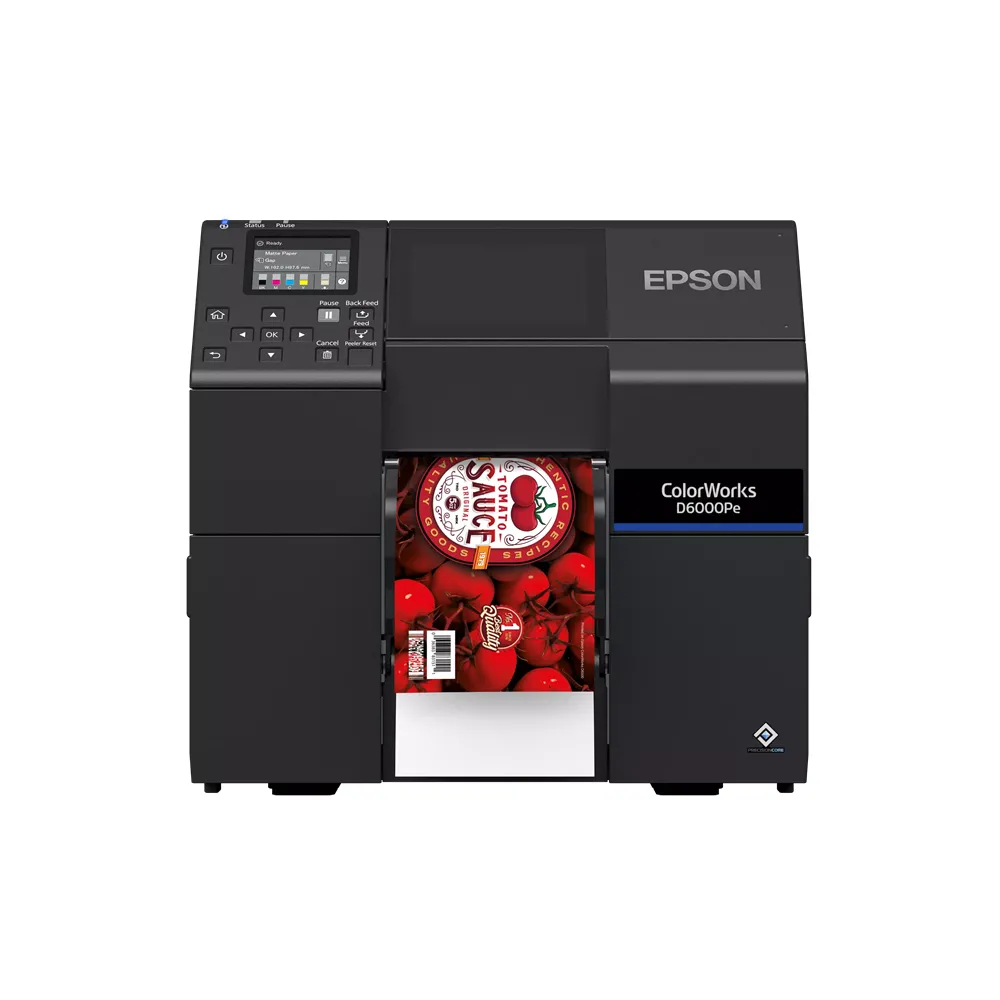
Epson ColorWorks D6000 Colour Label Printer
Print vibrant, high-quality colour labels on demand with the Epson ColorWorks D6000. Its four-colour dye ink system produces rich tones and crisp detail, while support for a range of label media helps you handle varied print jobs. Choose the Ae model with an automatic cutter or the Pe model with a built-in peeler to suit your workflow.
Key Features:
- Vibrant dye ink printing: Create bold colour labels with a wide colour range and rich black tones, especially on glossy media.
- High-resolution output: Print at resolutions up to 1,200 × 1,200 dpi for detailed text, graphics and product information.
- Flexible media support: Handle label widths from 25 mm on the Ae model and 50 mm on the Pe model, up to 112 mm.
- Choice of finishing: The Ae cuts labels automatically, while the Pe removes labels from their backing for print-and-apply workflows.
- Compact, front-operated design: Fit the printer into a production area and manage everyday use from the front panel.
Benefits:
- Print labels when you need them: Produce short and medium runs on demand, without waiting for pre-printed stock.
- Match the printer to your process: Choose cut labels for product labelling or peeled labels for application workflows.
- Support varied label jobs: Use a range of media types, including continuous, die-cut and black-mark labels.
- Make colour work harder: Use vibrant graphics and strong black tones to give product labels clear shelf presence.
The Epson ColorWorks D6000 combines flexible media handling with vivid on-demand colour printing. Select the Ae cutter or Pe peeler version to suit how your business prints and applies labels.
You can view more Epson products here.
| Weight | N/A |
|---|---|
| Maximum Print Speed | 119 mm/s |
| Maximum Print Width | 108 mm |
| Media Width | Cutter Model: 25 – 112 mm |
| Maximum Roll Diameter | 203 mm (8") |
| Supported Media | Continuous, Die-Cut, Black Mark |
| Dimensions (L x W x H) | 340 x 565 x 326 mm |
Warranty
2 years Return to Manufacturer
Manuals & Drivers
You can find manuals and drivers on the Epson Support website.
